Capture anywhere
Save selected text from the app in front without giving up your place.
The capture workspace for Mac
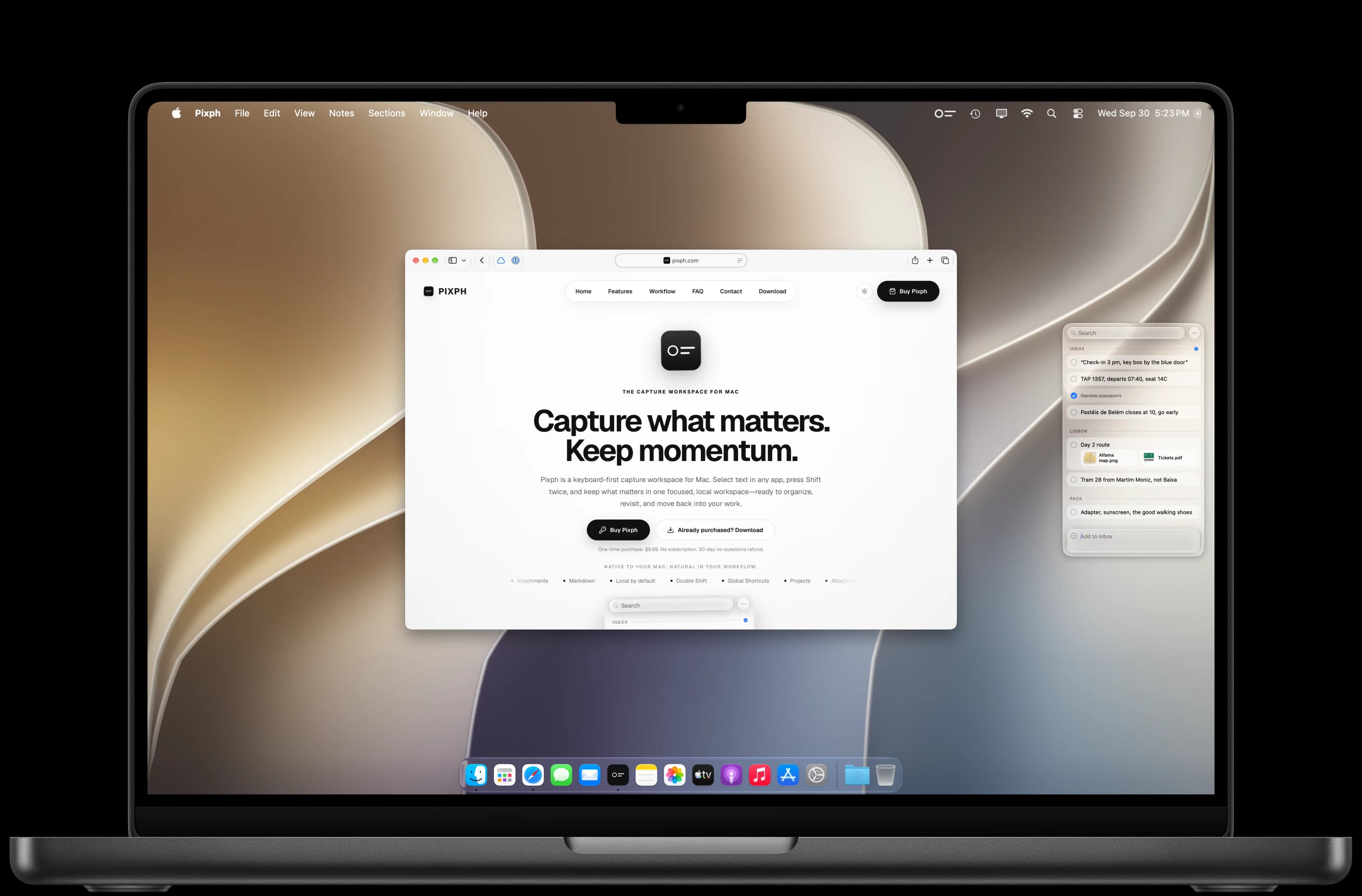
Pixph is a keyboard-first capture workspace for Mac. Select text in any app, press Shift twice, and keep what matters in one focused, local workspace—ready to organize, revisit, and move back into your work.
One-time purchase: $9.99. No subscription. 30-day no-questions refund.
Native to your Mac. Natural in your workflow.
Selected lines from Slack, Mail, Calendar, and Figma are captured with a double press of Shift and land in the Pixph Inbox. Select any text here and press Shift twice to capture it yourself.
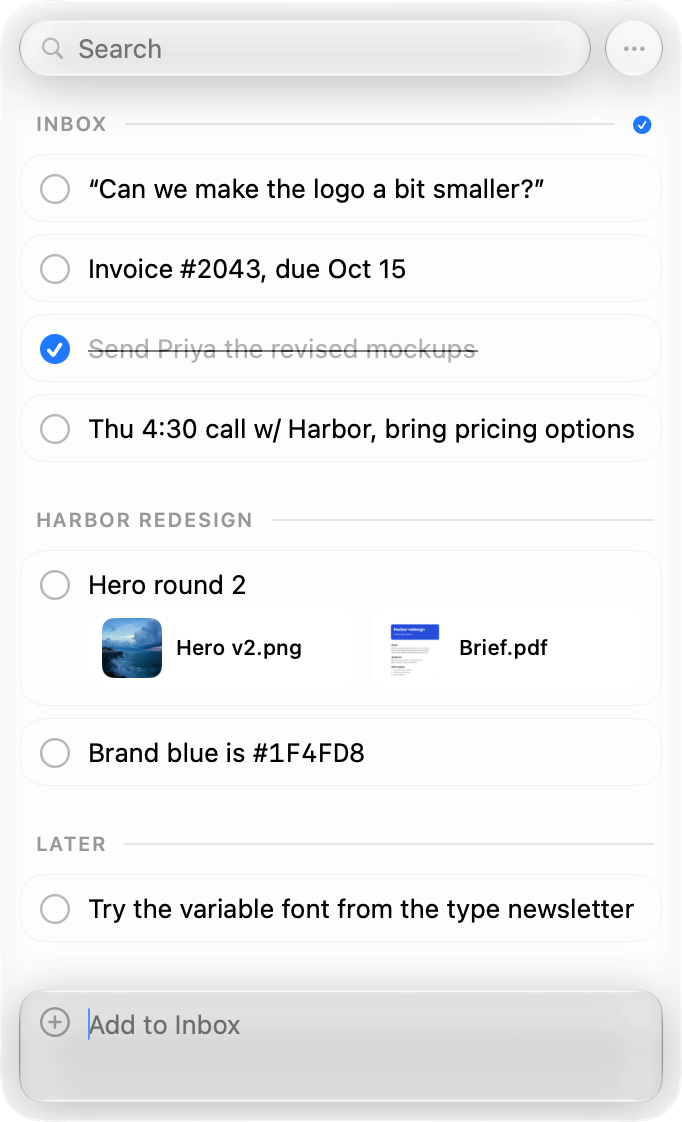
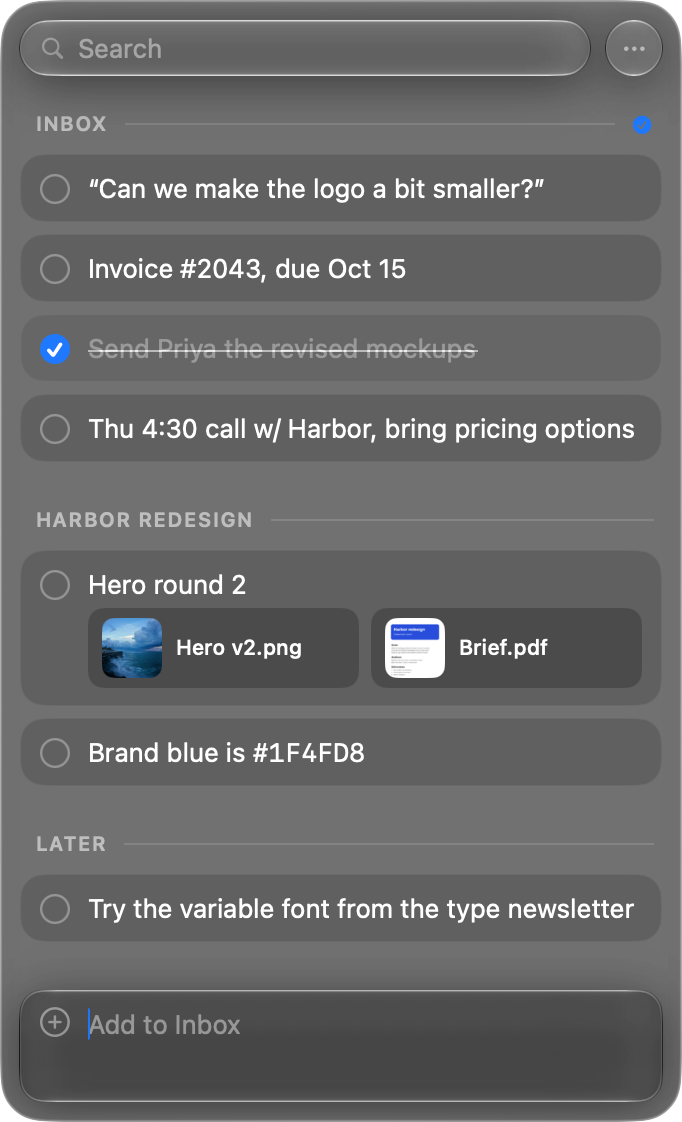




Try it: select any text, then
Why Pixph
Good ideas show up everywhere. Most of them get lost. Pixph catches them in two taps, so you keep the idea and your place.
What Pixph keeps close
The speed of a clipboard. The freedom of a scratchpad. The structure of a task list. All in one focused panel.
Save selected text from the app in front without giving up your place.
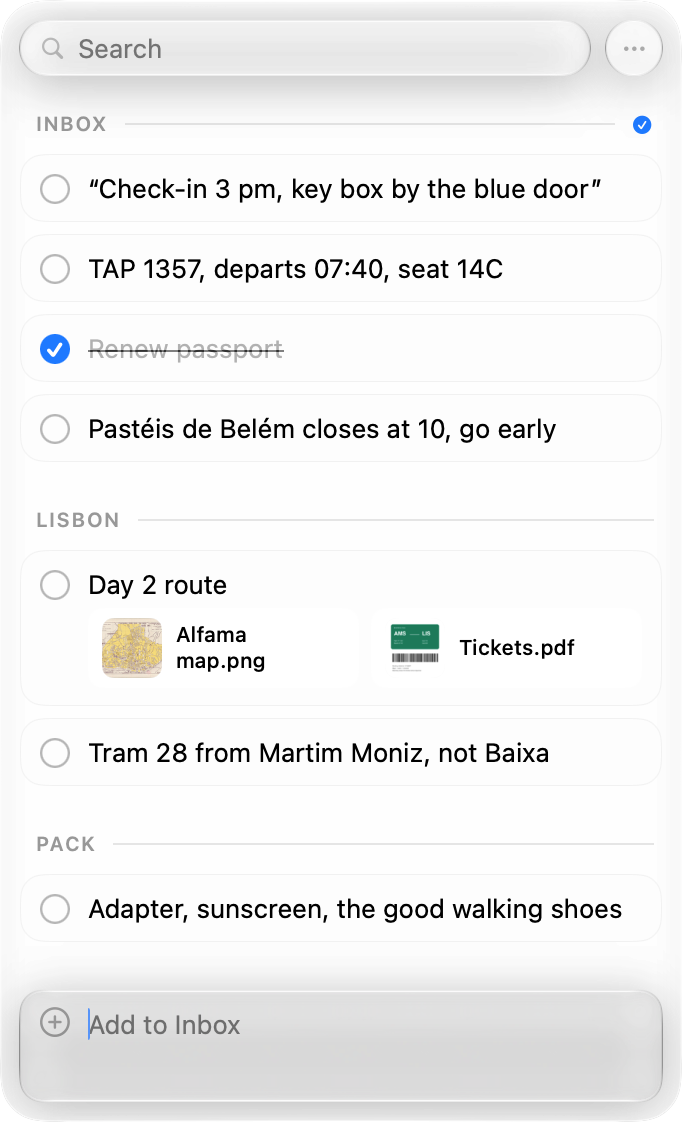
Add a note, attach a file, or sketch an idea the moment it becomes useful.
Shape what you capture into projects and sections that work the way you think.
Copy one note or a polished list straight back into your workflow.
How it works
Three gestures. No context switch.
Highlight text in any Mac app.
Pixph captures it with its source context.
⇧⇧Organize, complete, attach, or copy it as a list.
“The best tools disappear just enough to let the work stay in focus.”
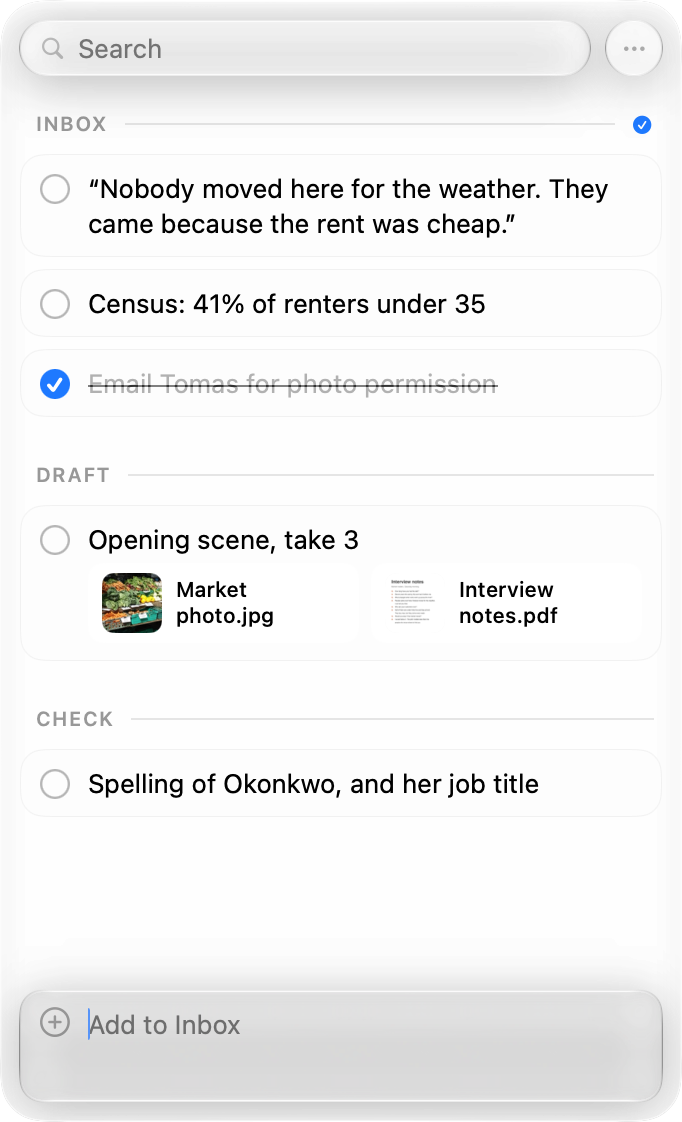
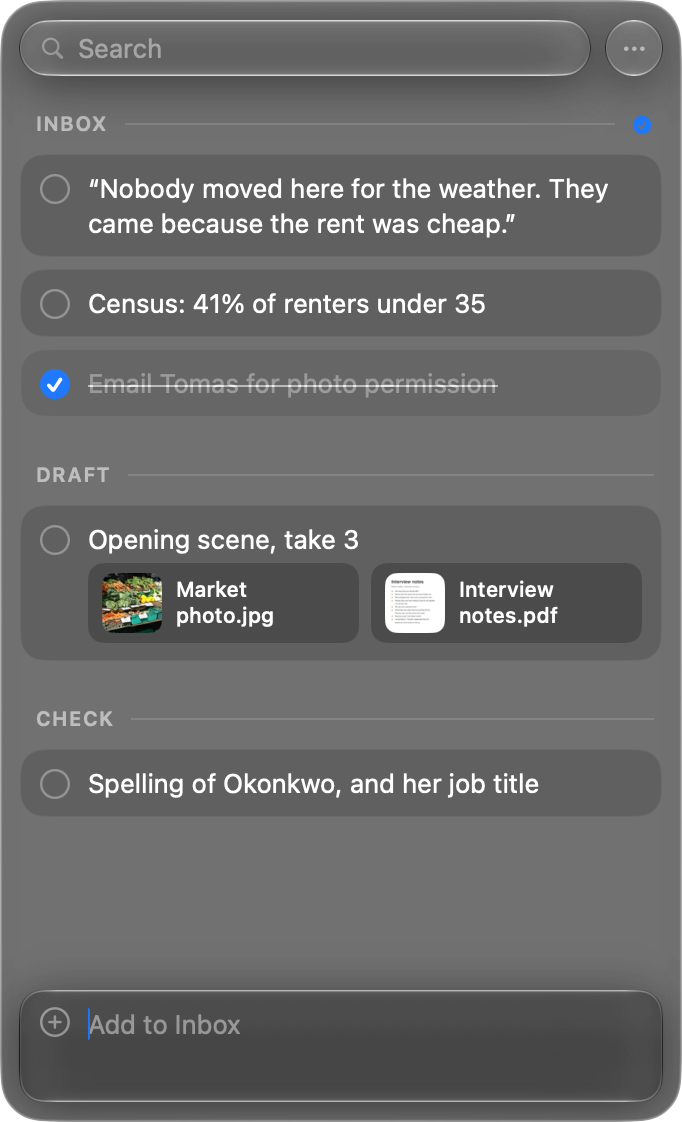
No context switch required
Use cases
Capture what matters from a conversation, file it by project, then copy the final checklist back when you’re ready.
Save the exact passage that matters, preserve where it came from, and organize the trail into sections you can search later.
Gather lines, references, and structural notes in a focused workspace that stays beside the document instead of becoming another destination.
Capture inputs as they arrive, group them into the right project, then copy a clean numbered or dashed list wherever work continues.
On your Mac
Pixph stays close while you work, so the ideas worth keeping always have a place to land.
Everything in reach
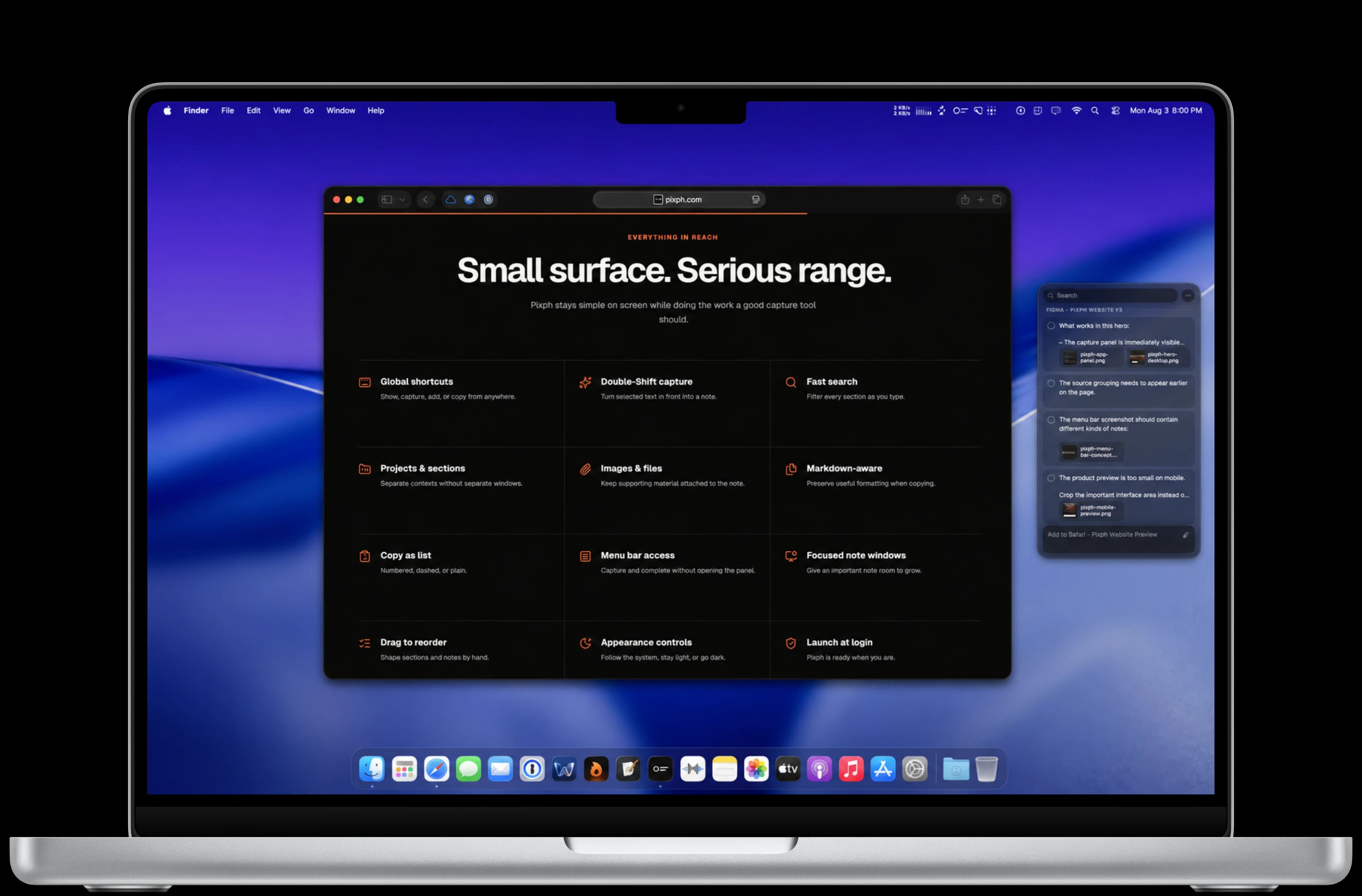
Pixph stays simple on screen while doing the work a good capture tool should.
Show, capture, add, or copy from anywhere.
Turn selected text in front into a note.
Filter every section as you type.
Separate contexts without separate windows.
Keep supporting material attached to the note.
Sketch, add shapes or text, then attach the PNG.
Preserve useful formatting when copying.
Numbered, dashed, or plain.
Capture and complete without opening the panel.
Give an important note room to grow.
Shape sections and notes by hand.
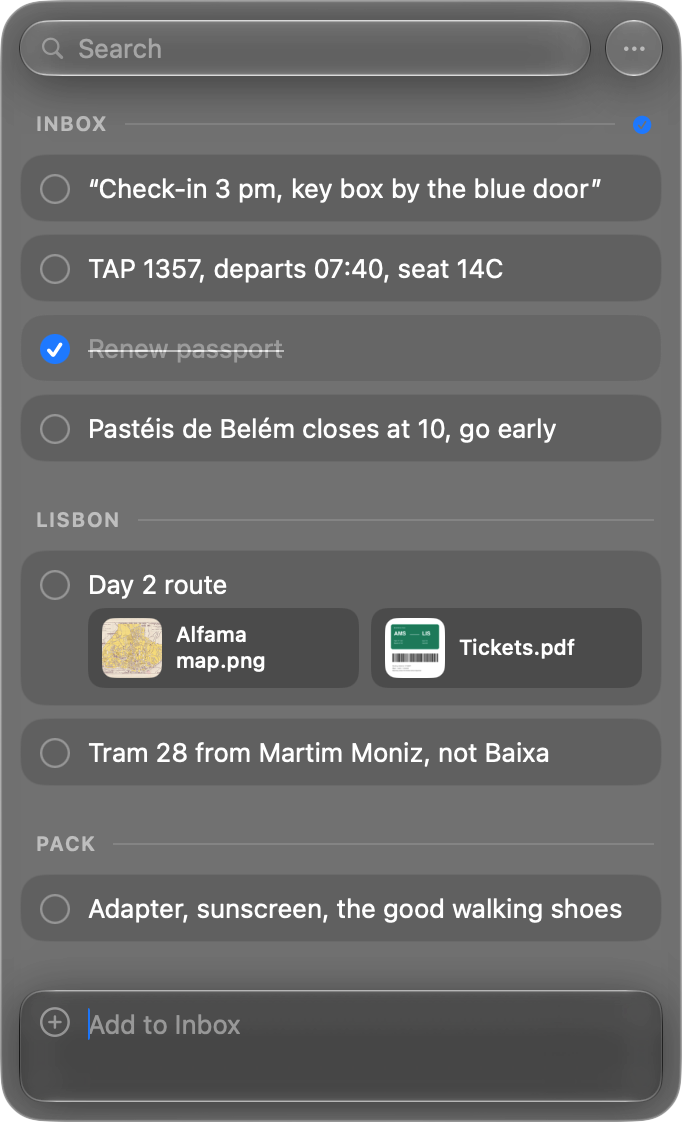
Follow the system, stay light, or go dark.
Privacy by default
Pixph stores your library in one local JSON file on your Mac. No account is required, and Pixph includes no product analytics or telemetry.
Pixph for Mac
Get Pixph for $9.99. No subscription, no account, and no cloud lock-in.